Set the terms
Show the order total, the asset and network to use, and when the quote expires. Keep these details together before the customer pays.
Merchant payments advisory
A practical guide from Sheepy for merchants who want to accept digital assets and trace each payment back to an order.
Payment flow
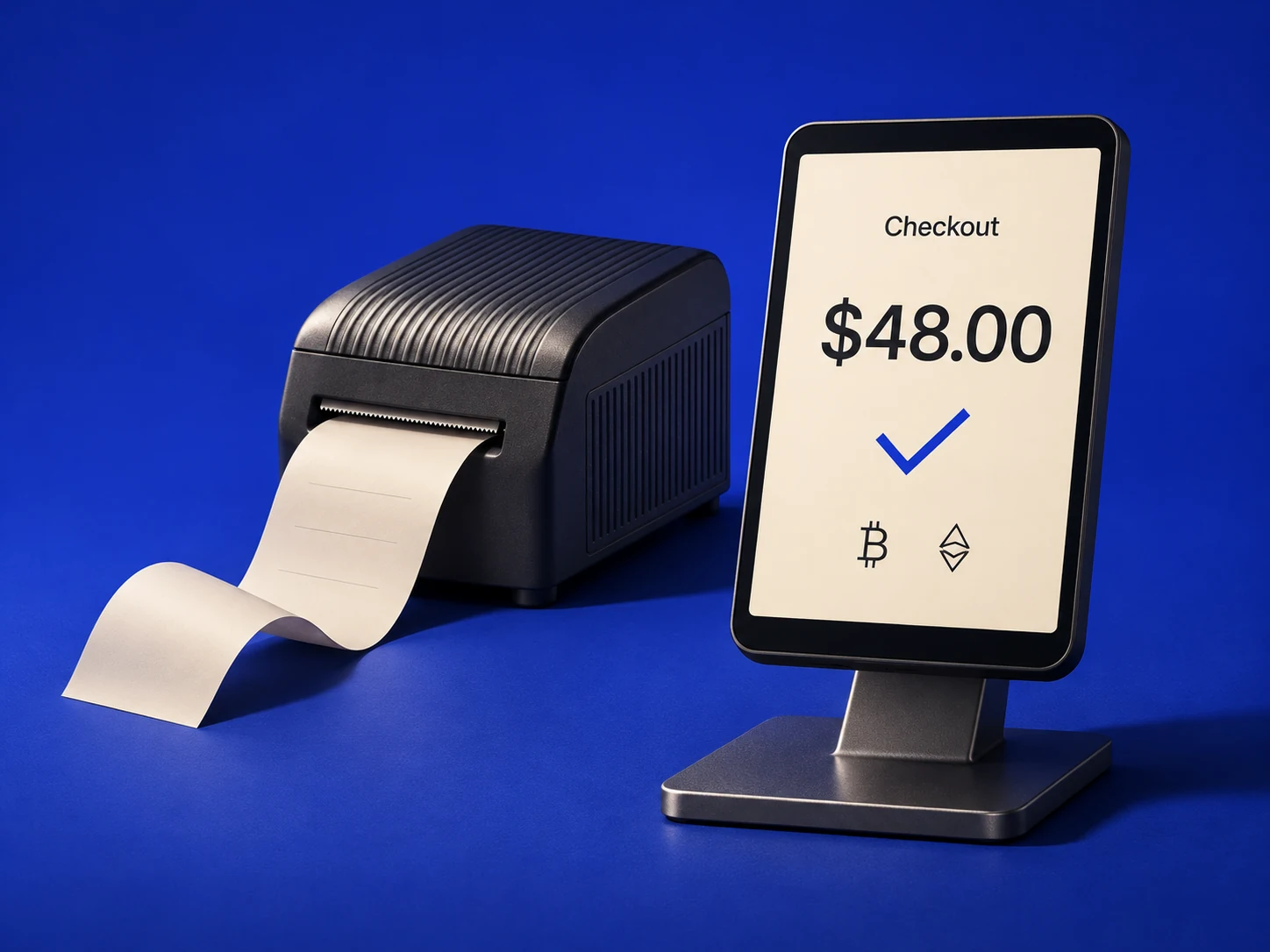
Show the order total, the asset and network to use, and when the quote expires. Keep these details together before the customer pays.
Show a pending state while confirmation is in progress. Release the order when your store receives the status you agreed to accept.
Keep the invoice and transaction references with the order ID. Record the amount received and any fees so finance can match the payment.
Test order
Step through a sample order for a printed field guide. Watch what the customer sees and what the merchant records.
Illustrative amounts. No funds are transferred.Awaiting payment
The invoice shows the amount due in the selected digital asset, the network to use and when the quote for the $48.00 order expires.
Launch checklist
Walk through these checks with your payments and operations teams. Tick each one as you finish.
0 of 4 checked
Checkout review with Sheepy
Choose a checkout you want to review. Talk through the customer steps, confirmation rule and records your finance team needs.